Index
- Key Takeaways
- How We Tested
- Detailed Tool Reviews
- Critical Selection & Safety Considerations
- Frequently Asked Questions
In the deathcare industry, administrative coordination represents a significant time commitment. Funeral directors often spend over ten hours per service on repetitive document entry, transcription, and manual media organization. This administrative load directly reduces the time available for supporting grieving families.
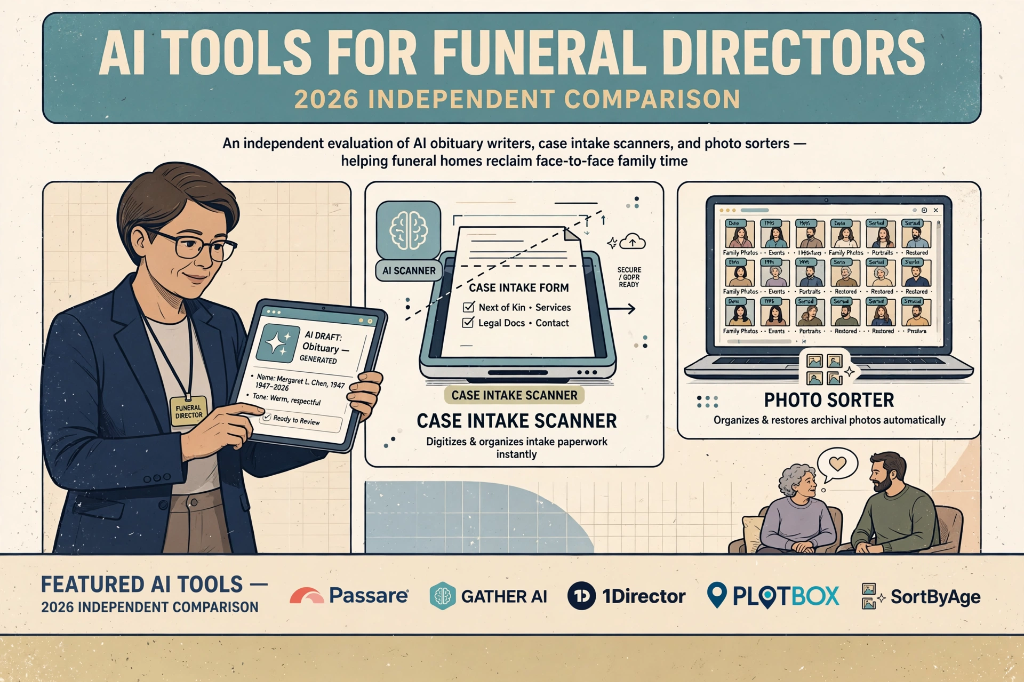
Recently, several funeral management systems and niche software providers have introduced features powered by artificial intelligence. Rather than attempting to automate the human elements of grief support, these tools aim to streamline the backend logistics. This guide provides an independent comparison of five prominent AI tools currently used in the deathcare sector.
(Note on Scope: This evaluation focuses exclusively on deathcare systems with active, built-in AI features. Traditional funeral home software or presentation tools without AI-driven capabilities, such as TerraPro or FuneralKiosk, are out of scope for this comparison.)
Key Takeaways
| Tool | Primary Use Case | Pricing Model | Main Strength | Primary Limitation |
|---|---|---|---|---|
| Passare | Case management & integrated obituary drafting | Custom quote / Demo required | Direct integration with case files to prevent double data entry | Requires adoption of the entire Passare CRM suite |
| Gather | Family collaboration & note scanning | Custom quote / Demo required | Client-facing portal allows families to edit drafts interactively | One-time setup and onboarding fees |
| 1Director | Transparent workflow management | Custom quote / Demo required | Clean, modern interface focused on simplicity | Fewer third-party vendor integrations than legacy platforms |
| PlotBox | Integrated cemetery & funeral mapping | Custom quote / Demo required | Combines physical land mapping with biographical data | Excessively complex for standalone funeral homes |
| SortByAge | Chronological photo organization | Free tier; custom enterprise quotes | Automates estimation of ages to sort slideshow photos | Operates as a separate file-upload process |
How We Tested
To evaluate these tools, we established two standardized test cases designed to simulate typical funeral home operations.
- Obituary Writing Test: We created a fictional profile of a deceased individual: a retired high school biology teacher, hiking enthusiast, survived by a spouse, three children, and six grandchildren, with service details scheduled at a local chapel. We input these details into the respective AI obituary writers to evaluate narrative coherence, tone adjustments, and whether the systems generated false information (such as inventing names or survivors).
- Photo Organization Test: We compiled a batch of ten sample photos of a single individual spanning a fifty-year period (from early childhood to senior years). We uploaded this batch to SortByAge to test the accuracy of the computer-vision age estimation and the efficiency of the file-renaming system.
Detailed Tool Reviews
1. Passare
Passare remains a dominant case management suite. Its platform features an integrated AI Obituary Writer and a mobile document scanner designed to digitize handwritten intake forms.
- Tested Observation: In our tests, Passare’s AI Obituary Writer pulled information directly from the digital case folder. Because the name, dates, and survivors were already entered during the family intake session, the tool generated a draft without requiring manual re-entry. The draft was coherent, and the tone selection allowed us to toggle between a traditional obituary and a celebration-of-life narrative.
- Friction Point: The AI features are locked behind the full Passare case management suite. If your home uses a different database, you cannot access this tool as a standalone writer.
- Pricing: Custom quote-based.
2. Gather
Gather focuses on collaboration, providing a platform where funeral directors and families can work together on arrangements. Its AI Obituary Builder and AI Note Scanner are built directly into this collaborative workspace.
- Tested Observation: The AI Note Scanner successfully processed handwritten notes from a tablet device, translating the raw text of a first call into the intake database. During the obituary test, the family portal allowed the user to invite family members to edit the AI-generated draft. This reduces back-and-forth email chains and gives families control over the phrasing.
- Friction Point: Setup fees and onboarding configuration requirements can be high for small locations. Non-technical family members may also experience slight friction navigating the client portal.
- Pricing: Custom quote-based.
3. 1Director
1Director is a modern deathcare management software platform designed to simplify case coordination. It integrates an AI writing assistant directly into its core interface.
- Tested Observation: 1Director features a clean interface that does not require extensive training to operate. In our test, the AI writer generated a respectful draft that stayed strictly within the facts provided, avoiding the flowery filler language common in generic text models. The family collaboration options are simple and functional.
- Friction Point: Because it is a newer platform, 1Director currently lacks the extensive integrations with external product vendors (like flower shops or vault manufacturers) that mature CRMs provide.
- Pricing: Custom quote-based.
4. PlotBox
PlotBox is a cloud-based management platform that integrates cemetery mapping, crematoria operations, and funeral home software. It includes an AI Obituary Assistant within its deceased records module.
- Tested Observation: PlotBox excels at linking physical locations (cemetery plots, mausoleum niches) with biographical records. The AI assistant uses these mapped coordinates and family tree links to generate obituaries that include specific memorial site details.
- Friction Point: If your business is a standalone funeral home that does not manage cemetery land or crematoria, the PlotBox suite is unnecessarily complex and contains features you will not use.
- Pricing: Custom quote-based.
5. SortByAge (Celebrife, LLC)
SortByAge is an AI-powered photo organization tool designed to simplify the preparation of memorial videos and slideshows.
- Tested Observation: Unlike case management systems, SortByAge operates asynchronously. After purchasing, users are sent a Dropbox folder link to upload up to 250 photos. We uploaded our ten sample photos; the AI analyzed the facial features, estimated the age in each photo, and prefixed the file names with the age (e.g.,
05_photo.jpg,42_photo.jpg). This sorted the photos chronologically on our computer, saving hours of manual organization. - Friction Point: The tool is standalone and does not automatically sync with standard case files, requiring manual upload and download steps.
- Pricing: Free basic tier; custom enterprise licensing for funeral homes.
Critical Selection & Safety Considerations
When implementing AI tools in a funeral home, directors should prioritize the following factors:
Data Privacy & Confidentiality
Obituaries and intake forms contain highly sensitive personal information, including family tree details, home addresses of survivors, and dates of birth. Ensure that any AI provider you select uses secure APIs that do not utilize your clients’ personal data to train public models.
Human Oversight
AI-generated text is a starting point, not a finished product. Names, dates, and survivors must always be verified by a licensed director and approved by the family. Relying entirely on automated output risks embarrassing errors during a sensitive time.
Frequently Asked Questions
Do families find AI-written obituaries impersonal?
Most platforms frame the AI writer as a collaborative helper rather than a replacement for human touch. Families often appreciate having a structured draft to work from, as writing a tribute from scratch can be emotionally challenging during early stages of grief.
Can AI note scanners read all handwriting?
Note scanners, including those from Gather and Passare, perform well with clear print handwriting. However, highly stylized script or messy cursive will still require manual review and correction.
Do these tools store family records on public servers?
According to their official security documentation, enterprise platforms like Passare, Gather, and PlotBox host customer databases on private, encrypted cloud servers (such as AWS or Microsoft Azure). The vendors state that they do not share family case records with public databases or use private arrangement details to train public language models.
About the Author
Ether Exter is an AI enthusiast with 5 years of experience testing and experimenting with AI models, breaking down what actually works. Follow on X: @EtherExperiment.
Sources
- Passare AI Obituary Writer & Scanner Overview, Passare official documentation, 2026. Passare Platform.
- Gather AI Obituary Builder and note capture specifications, Gather product guide, 2026. Gather App.
- PlotBox AI assistant integrations, PlotBox features documentation, 2026. PlotBox Cemetery Software.
- 1Director Case Management & AI writing assistant guides, 1Director site, 2026. 1Director.
- SortByAge age-sequencing workflow and photo sorting terms, Celebrife LLC, 2026. SortByAge.